SmartPlant P&ID (SPPID) Training

4.5
8,184 Learners

Enhance your plant engineering and P&ID design skills with SPPID Training by SRJ Root. Learn intelligent P&ID creation, equipment and piping representation, instrumentation, engineering data management, drawing organization, validation, reporting, and project workflows through instructor-led sessions and practical plant design scenarios.

Instructor-Led Training Parameters

Course Highlights

  • Instructor-led Online Training
  • Project Based Learning
  • Certified & Experienced Trainers
  • Course Completion Certificate
  • Customized Learning Schedule
  • Doubt-Clearing Sessions

SmartPlant P&ID (SPPID) Training Course Overview

SPPID Training by SRJ Root provides practical knowledge of creating and managing intelligent piping and instrumentation diagrams. Participants learn drawing creation, equipment, piping, instruments, engineering data, connectivity, validation, reporting, and drawing-management concepts through practical plant engineering scenarios.

SmartPlant P&ID (SPPID) Training by SRJ Root is designed to provide professionals with practical knowledge of creating and managing intelligent Piping and Instrumentation Diagrams for process and plant engineering projects. The course introduces the SPPID environment, drawing organization, engineering symbols, equipment, piping systems, instrumentation, annotations, and intelligent engineering data.

Participants learn how to create P&IDs while maintaining relationships between graphical objects and associated engineering information. The training covers equipment placement, pipelines, components, instruments, connectivity, properties, labels, drawing consistency, validation, and engineering reports.

The course also introduces project structures, drawing management, data modification, quality checks, reporting, and practical engineering workflows. Through instructor-led exercises and plant-oriented scenarios, participants gain an understanding of how SPPID supports intelligent P&ID creation and multidisciplinary engineering activities.

Instructor-led Training Live Online Classes

Suitable batches for you

Oct, 2026 Weekdays Mon-Fri Enquire Now
Weekend Sat-Sun Enquire Now
Nov, 2026 Weekdays Mon-Fri Enquire Now
Weekend Sat-Sun Enquire Now

Share details to upskills your team


Enquire for Self-Paced Learning

Share your details and our training advisor will connect with you regarding self-paced learning options.

Build Your Own Customize Schedule


SmartPlant P&ID (SPPID) Training Course curriculum

Curriculum Designed by Experts

SPPID Training by SRJ Root provides practical knowledge of creating and managing intelligent piping and instrumentation diagrams. Participants learn drawing creation, equipment, piping, instruments, engineering data, connectivity, validation, reporting, and drawing-management concepts through practical plant engineering scenarios.

SmartPlant P&ID (SPPID) Training by SRJ Root is designed to provide professionals with practical knowledge of creating and managing intelligent Piping and Instrumentation Diagrams for process and plant engineering projects. The course introduces the SPPID environment, drawing organization, engineering symbols, equipment, piping systems, instrumentation, annotations, and intelligent engineering data.

Participants learn how to create P&IDs while maintaining relationships between graphical objects and associated engineering information. The training covers equipment placement, pipelines, components, instruments, connectivity, properties, labels, drawing consistency, validation, and engineering reports.

The course also introduces project structures, drawing management, data modification, quality checks, reporting, and practical engineering workflows. Through instructor-led exercises and plant-oriented scenarios, participants gain an understanding of how SPPID supports intelligent P&ID creation and multidisciplinary engineering activities.

  • Understand P&ID fundamentals and intelligent P&ID concepts.
  • Navigate the SPPID environment and drawing interface.
  • Create and manage P&ID drawings.
  • Place and configure plant equipment.
  • Create pipelines and assign relevant engineering information.
  • Add valves, fittings, and other piping components.
  • Create and manage instruments and control-loop representations.
  • Work with engineering properties and object data.
  • Apply labels, tags, and annotations to engineering drawings.
  • Understand intelligent relationships and connectivity.
  • Perform drawing and engineering-data validation.
  • Identify and correct common P&ID inconsistencies.
  • Generate engineering lists and reports.
  • Apply SPPID concepts to practical plant-design scenarios.

Course Prerequisite

  • Basic understanding of Piping and Instrumentation Diagrams
  • Familiarity with process equipment and piping components
  • Basic knowledge of instrumentation symbols is beneficial
  • Understanding of valves, pipelines, and process flow concepts
  • Familiarity with engineering drawings can be helpful
  • Basic knowledge of plant engineering terminology
  • General computer and CAD application skills are beneficial

Course Target Audience

  • P&ID Designers
  • Piping Designers
  • Process Engineers
  • Piping Engineers
  • Instrumentation Engineers
  • Instrumentation Designers
  • Process Designers
  • Plant Design Engineers
  • Mechanical Engineers
  • Chemical Engineers
  • CAD Designers and Draftsmen
  • EPC Engineering Professionals
  • Engineering Consultants
  • Plant Engineering Professionals
  • Professionals involved in oil & gas, petrochemical, chemical, power, and process-plant projects

Course Content

  • P&ID fundamentals
  • Purpose of P&IDs in plant engineering
  • Introduction to SmartPlant P&ID
  • Intelligent P&ID concepts
  • SPPID capabilities
  • Engineering disciplines involved
  • Graphical and engineering data
  • Typical project workflow

Download Curriculum DOWNLOAD CURRICULUM

  • SPPID user interface
  • Drawing environment
  • Toolbars and commands
  • Navigation and viewing tools
  • Engineering Data Editor concepts
  • Drawing hierarchy
  • Plant and project organization
  • Working with drawing files
  • User preferences and settings

Download Curriculum DOWNLOAD CURRICULUM

  • Creating P&ID drawings
  • Opening and managing drawings
  • Drawing properties
  • Drawing templates
  • Drawing borders
  • Title blocks
  • Drawing numbering concepts
  • Drawing revisions
  • Saving and updating drawings
  • Drawing-management practices

Download Curriculum DOWNLOAD CURRICULUM

  • Equipment representation in P&IDs
  • Placing equipment
  • Pumps
  • Vessels
  • Tanks
  • Compressors
  • Heat exchangers
  • Equipment nozzles
  • Equipment properties
  • Equipment tags
  • Equipment connectivity

Download Curriculum DOWNLOAD CURRICULUM

  • Pipeline concepts
  • Creating pipelines
  • Pipe runs and segments
  • Pipeline properties
  • Line numbering
  • Piping specifications
  • Flow direction
  • Connecting pipelines
  • Off-page connectors
  • Pipeline continuation
  • Editing pipeline information

Download Curriculum DOWNLOAD CURRICULUM

  • Valves and valve types
  • Fittings
  • Reducers
  • Flanges
  • Specialty piping items
  • Inline components
  • Component placement
  • Component orientation
  • Component properties
  • Piping-component connectivity
  • Modifying piping components

Download Curriculum DOWNLOAD CURRICULUM

  • Instrumentation fundamentals
  • Instrument symbols
  • Instrument placement
  • Instrument tags
  • Inline instruments
  • Offline instruments
  • Control valves
  • Instrument connections
  • Signal lines
  • Control loops
  • Instrument properties
  • Process-control representation

Download Curriculum DOWNLOAD CURRICULUM

  • Intelligent engineering data
  • Object properties
  • Engineering Data Editor
  • Viewing and modifying properties
  • Tagging concepts
  • Property relationships
  • Data consistency
  • Bulk data modification concepts
  • Finding engineering objects
  • Data filtering and sorting

Download Curriculum DOWNLOAD CURRICULUM

  • Labels and annotations
  • Equipment labels
  • Pipeline labels
  • Instrument labels
  • Property-driven labels
  • Text placement
  • Symbol concepts
  • Display properties
  • Annotation positioning
  • Drawing readability
  • Engineering-document conventions

Download Curriculum DOWNLOAD CURRICULUM

  • Intelligent connectivity
  • Equipment-to-piping connectivity
  • Component connectivity
  • Instrument connections
  • Relationship checking
  • Engineering rules
  • Data validation
  • Design-consistency checks
  • Identifying disconnected objects
  • Detecting data issues
  • Correcting drawing inconsistencies

Download Curriculum DOWNLOAD CURRICULUM

  • Reporting concepts
  • Equipment lists
  • Line lists
  • Valve lists
  • Instrument lists
  • Engineering data extraction
  • Report filtering
  • Report generation
  • Reviewing report data
  • Drawing output concepts
  • Engineering deliverables

Download Curriculum DOWNLOAD CURRICULUM

  • Creating a project drawing
  • Placing process equipment
  • Creating piping networks
  • Adding valves and components
  • Adding instrumentation
  • Creating control-loop representations
  • Assigning engineering properties
  • Applying tags and labels
  • Checking connectivity
  • Validating the P&ID
  • Generating engineering reports
  • Reviewing the completed drawing
  • End-to-end P&ID design scenario

Download Curriculum DOWNLOAD CURRICULUM

Request for Enquiry

assessment_img

SmartPlant P&ID (SPPID) Training (MCQ) Assessment

This assessment tests understanding of course content through MCQ and short answers, analytical thinking, problem-solving abilities, and effective communication of ideas. Some SRJ Root Assessment Features :

  • User-friendly interface for easy navigation
  • Secure login and authentication measures to protect data
  • Automated scoring and grading to save time
  • Time limits and countdown timers to manage duration.
Try It Now

SmartPlant P&ID (SPPID) Corporate Training

Employee training and development programs are essential to the success of businesses worldwide. With our best-in-class corporate trainings you can enhance employee productivity and increase efficiency of your organization. Created by global subject matter experts, we offer highest quality content that are tailored to match your company’s learning goals and budget.



500+
Global Clients
4.5 Client Satisfaction
Explore More

Customized Training

Be it schedule, duration or course material, you can entirely customize the trainings depending on the learning requirements

Expert
Mentors

Be it schedule, duration or course material, you can entirely customize the trainings depending on the learning requirements

360º Learning Solution

Be it schedule, duration or course material, you can entirely customize the trainings depending on the learning requirements

Learning Assessment

Be it schedule, duration or course material, you can entirely customize the trainings depending on the learning requirements

Professional Growth

Why SmartPlant P&ID (SPPID) Training for Your Professional Growth

Strengthen your professional capabilities with practical learning, industry-relevant knowledge, and skills applicable to real-world business and technology environments.

Industry-Relevant Skills

Gain knowledge aligned with current industry practices, technologies, processes, and professional requirements.

Practical Learning

Understand concepts through practical scenarios, instructor-led discussions, exercises, and use cases.

Enhanced Professional Capability

Strengthen your ability to work confidently with relevant tools, workflows, platforms, and business processes.

Broader Career Opportunities

Add valuable capabilities to your profile and explore opportunities across relevant roles, projects, and industries.

Adapt to Changing Technologies

Stay familiar with evolving technologies, methodologies, and practices shaping modern enterprise environments.

Professional Recognition

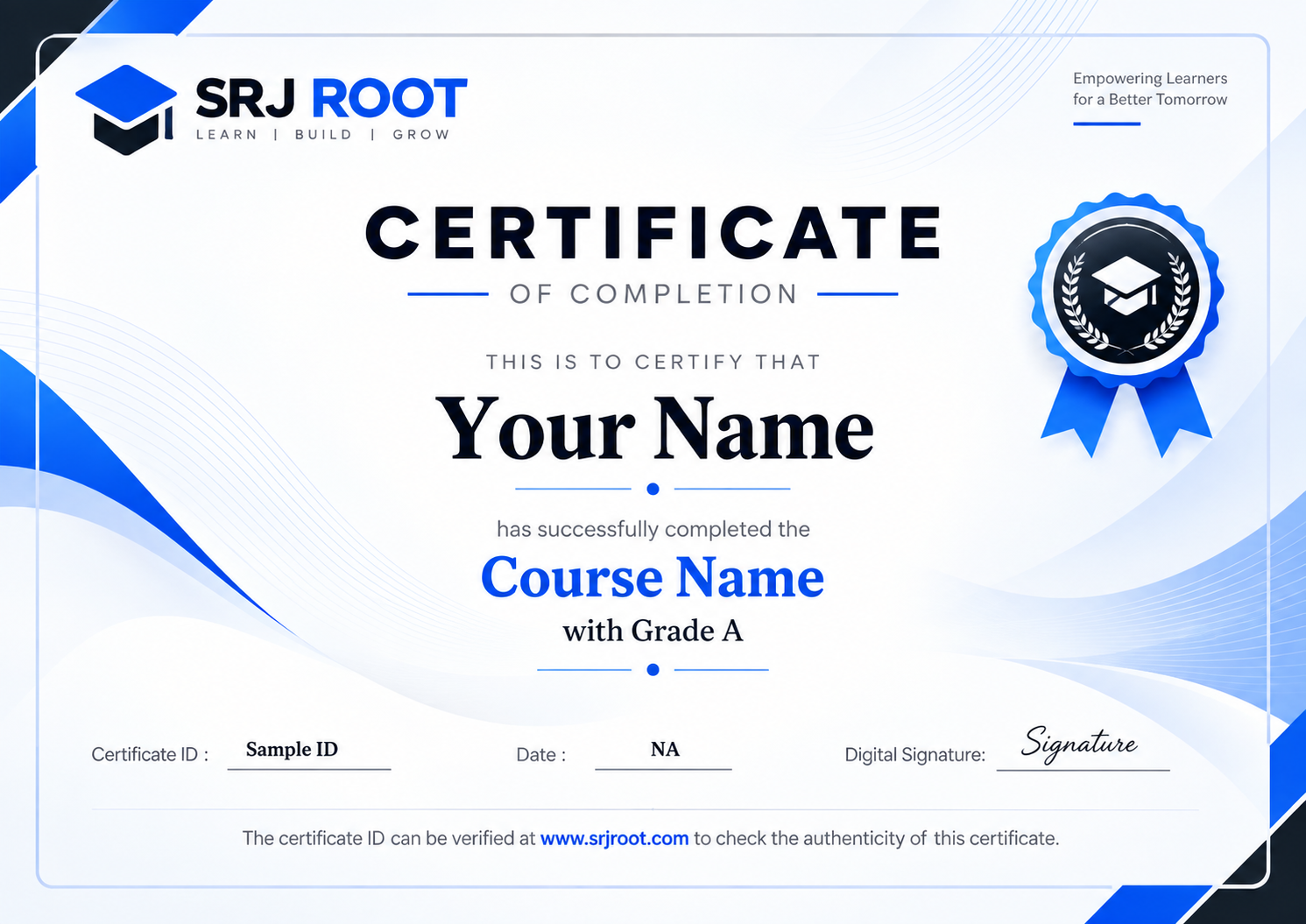
Demonstrate your training achievement with a course completion certificate from SRJ Roots.

Certification Training Achievements: Recognizing Professional Expertise

SRJ Roots is the “one-top learning platform” for everyone. Get trained with certified industry experts and receive a globally-recognized training certificate. Some SRJ Root Training Certificate Features :

  • Globally recognized certificate
  • Course ID & Course Name
  • Certificate with Date of Issuance
  • Name and Digital Signature of the Awardee
Request for Certificate
Training Comparison

Why Learners Choose SRJ Roots

Compare key training features and see how SRJ Roots focuses on structured learning, practical understanding, and learner support.

Compare Before You Enroll

Training Features That Matter

Evaluate the learning experience across important areas before selecting a training program.

SRJ Roots
Other Training Providers

Instructor-Led Learning

Structured sessions guided by experienced trainers.

Expert-led live online sessions
May vary by provider and batch

Practical Learning

Hands-on exposure that supports concept understanding.

Practical scenarios, exercises, and use cases
Practical coverage may differ

Flexible Learning Options

Learning formats designed around different schedules.

Weekday, weekend, and learning options
Options depend on provider availability

Learner Support

Assistance throughout the training journey.

Dedicated training coordination and support
Support structure can vary

Learning Resources

Resources that support revision and continued learning.

Digital learning material and course resources
Resource access may be limited or different

Training Certificate

Recognition after successful course completion.

Globally recognized training certificate
Certificate format varies by provider

Choose Training That Goes Beyond Theory

SRJ Roots combines guided learning, practical exposure, flexible delivery, learner support, and structured resources to create a more complete training experience.
Enquire for Training

SmartPlant P&ID (SPPID) Training Trainer Profile

20+ Years Experienced

Our SmartPlant P&ID (SPPID) Training Corporate & Certification Program trainers bring 13+ years of proven industry expertise, delivering practical insights aligned with real project environments.

Trained 3150+ Professionals

Our expert trainers have successfully trained 3350+ professionals through structured, real-time training programs designed for industry readiness and career growth.

Certified Experts & Real-Time Project Learning

Build strong practical skills through live project-based training sessions led by certified industry experts with real-world experience.

Hands-on Learning Approach

Gain practical exposure through real-time scenarios, industry case studies, and hands-on assignments that simulate actual project challenges.

Certification Training Guidance

Receive expert support to prepare effectively, practice strategically, and confidently achieve globally recognized certification success.

Customized Training Delivery

Flexible training approach tailored to individual learning goals, skill levels, and evolving industry requirements for maximum effectiveness.

SUCCESS STORIES

What Our Learners Say

Learner testimonial

“Add the learner's actual review here. Keep the original meaning and wording as much as possible.”

Learner Name Job Title, Company
COMPANY
Learner testimonial

“Add the learner's actual review here.”

Learner Name Job Title, Company
COMPANY
Learner testimonial

“Add the learner's actual review here.”

Learner Name Job Title, Company
COMPANY
Learner testimonial

“Add the learner's actual review here.”

Learner Name Job Title, Company
COMPANY
Learner testimonial

“Add the learner's actual review here.”

Learner Name Job Title, Company
COMPANY
Learner testimonial

“Add the learner's actual review here.”

Learner Name Job Title, Company
COMPANY
Learner testimonial

“Add the learner's actual review here.”

Learner Name Job Title, Company
COMPANY
Learner testimonial

“Add the learner's actual review here.”

Learner Name Job Title, Company
COMPANY
Learner testimonial

“Add the learner's actual review here.”

Learner Name Job Title, Company
COMPANY
Learner testimonial

“Add the learner's actual review here.”

Learner Name Job Title, Company
COMPANY
Learner testimonial

“Add the learner's actual review here.”

Learner Name Job Title, Company
COMPANY
Learner testimonial

“Add the learner's actual review here.”

Learner Name Job Title, Company
COMPANY
  WhatsApp Chat

Get Free Expert Counseling

Speak with our expert and accelerate your career today.

whatsapp-icon-small
whatsapp-icon-small
whatsapp-icon-small

Connect on whatsapp